
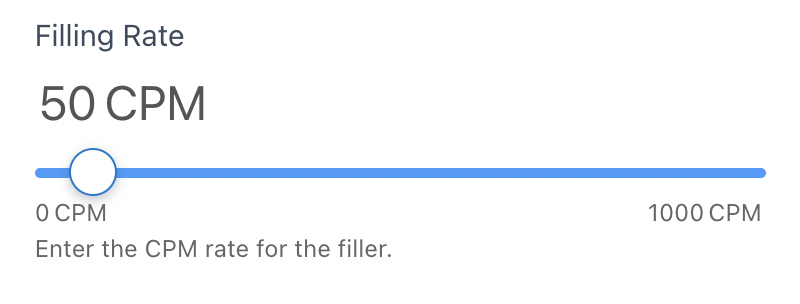
 Input via a slider is super easy and versatile. Using your mouse, click on the the white bubble and drag it left or right to change values. Alternatively, you can click on the blue line to the left or the right of the white bubble and the bubble will slide to where you clicked. And finally, you can also use the up-arrow and down-arrow keys to move the white bubble to the left or right.
Using the tool from your mobile phone? No problem. Place your finger on the white bubble and move your finger to the left or right to change values.
 Depending on how your administrator has configured the tool for your division, you may see a couple of radio buttons in the Application Settings section of your ROI tool. With radio buttons just check one of the options and all other options will automatically get unchecked.
The tool includes a couple of dropdown lists. Just click on the dropdown item and then choose the value that matches your needs.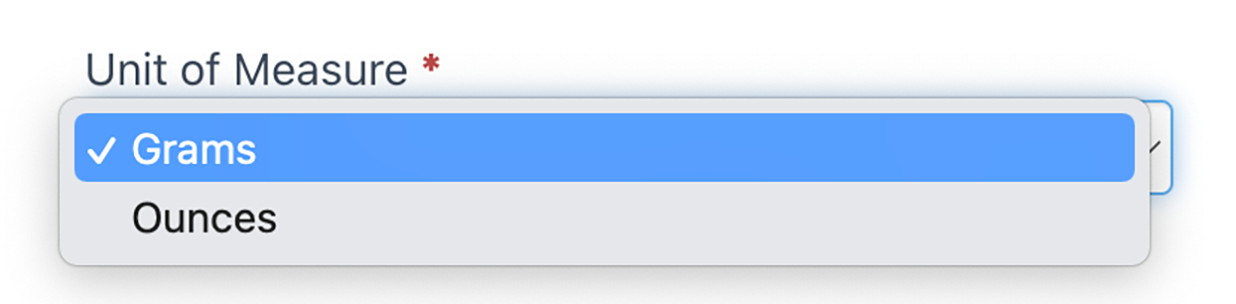
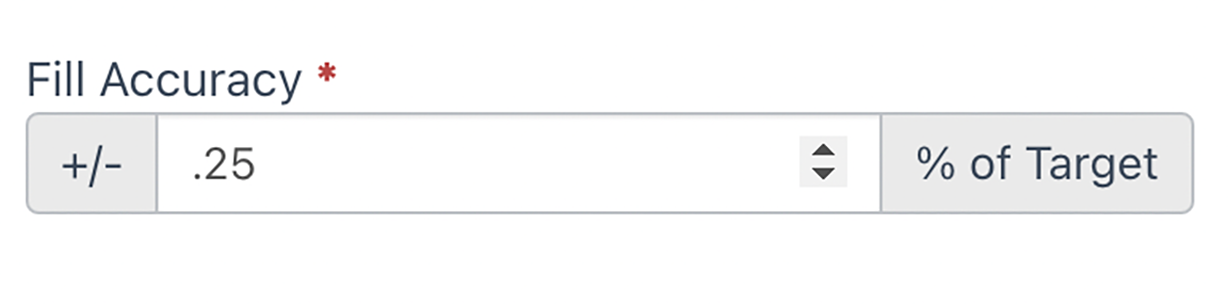
There are a handful of standard data entry items that require keyboard input rather than just mouse clicks. Just click in the data entry field and use the keyboard to enter the values.